Automating NDAs and Legal Documents Without the Enterprise Bloat

The Legal Document Problem Nobody Talks About
Legal teams don't just draft documents. They regenerate the same documents hundreds of times with minor variations.
Take the NDA - the most common legal document in any organisation. On the surface, it's simple. In practice, it's a matrix of variations: Mutual or one-way? Employee, contractor, or vendor? Which jurisdiction? Which governing law? Does this party require an arbitration clause? Is this bilingual - English and Arabic?
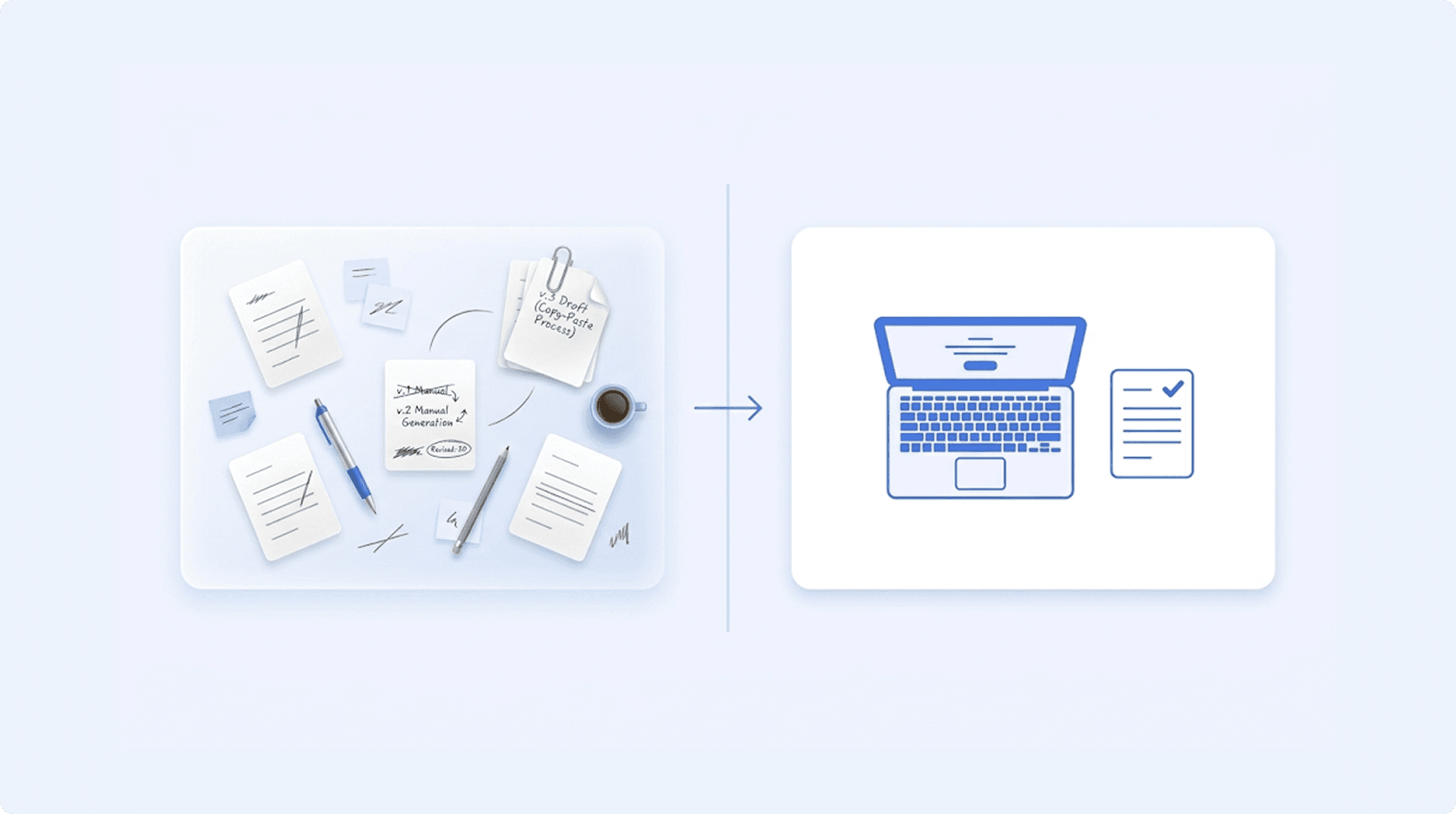
Every combination produces a slightly different document. And in most legal teams, every combination is produced the same way: open the Word template, find-replace the party names, manually check which clauses apply, fix the formatting that inevitably breaks, save as a new version, and email it for signature.
That's one NDA. Now multiply it by master service agreements, statements of work, employment contracts, vendor agreements, board resolutions, and compliance filings. Every document follows the same pattern - same structure, different details - and every document is assembled by hand.
The time isn't in the drafting. The time is in the repetitive assembly of documents your team has already written.

Why Most Legal Teams Haven't Automated Yet
It's not that legal teams don't want automation. It's that the available solutions don't fit the way legal actually works.
The Suite Problem
The most visible document automation tools on the market aren't document tools - they're contract lifecycle management platforms. They bundle document generation with approval workflows, obligation tracking, clause libraries, e-signature, and analytics dashboards.
Your legal team doesn't need a platform. They need to generate the document correctly. Adopting a CLM suite to solve a document generation problem is like buying an ERP system because you need to send invoices. The tool you need is buried inside a platform you don't.
And the overhead is real: months of implementation, consultant-led configuration, training programmes, and annual costs that dwarf what you'd pay for a focused tool.
The Template Problem
Most document generation tools work fine for simple merge fields. Dear {{first_name}}, your contract with {{company_name}} begins on {{start_date}}. Every tool on the market can do this.
Legal documents don't live in simple merge fields. They live in conditional logic: If this is a mutual NDA, include Section 7A (mutual obligations). If one-way, include Section 7B (unilateral obligations). If the governing law is UAE, append an Arabic arbitration clause. If the contract value exceeds $100,000, add the enhanced liability section. If the counterparty is a government entity, replace the standard indemnification clause with the public sector version.
This is where most tools break. They can insert a name into a template. They can't decide which sections belong in the document based on the inputs. Or they can - but the formatting falls apart when they do.
The Formatting Problem
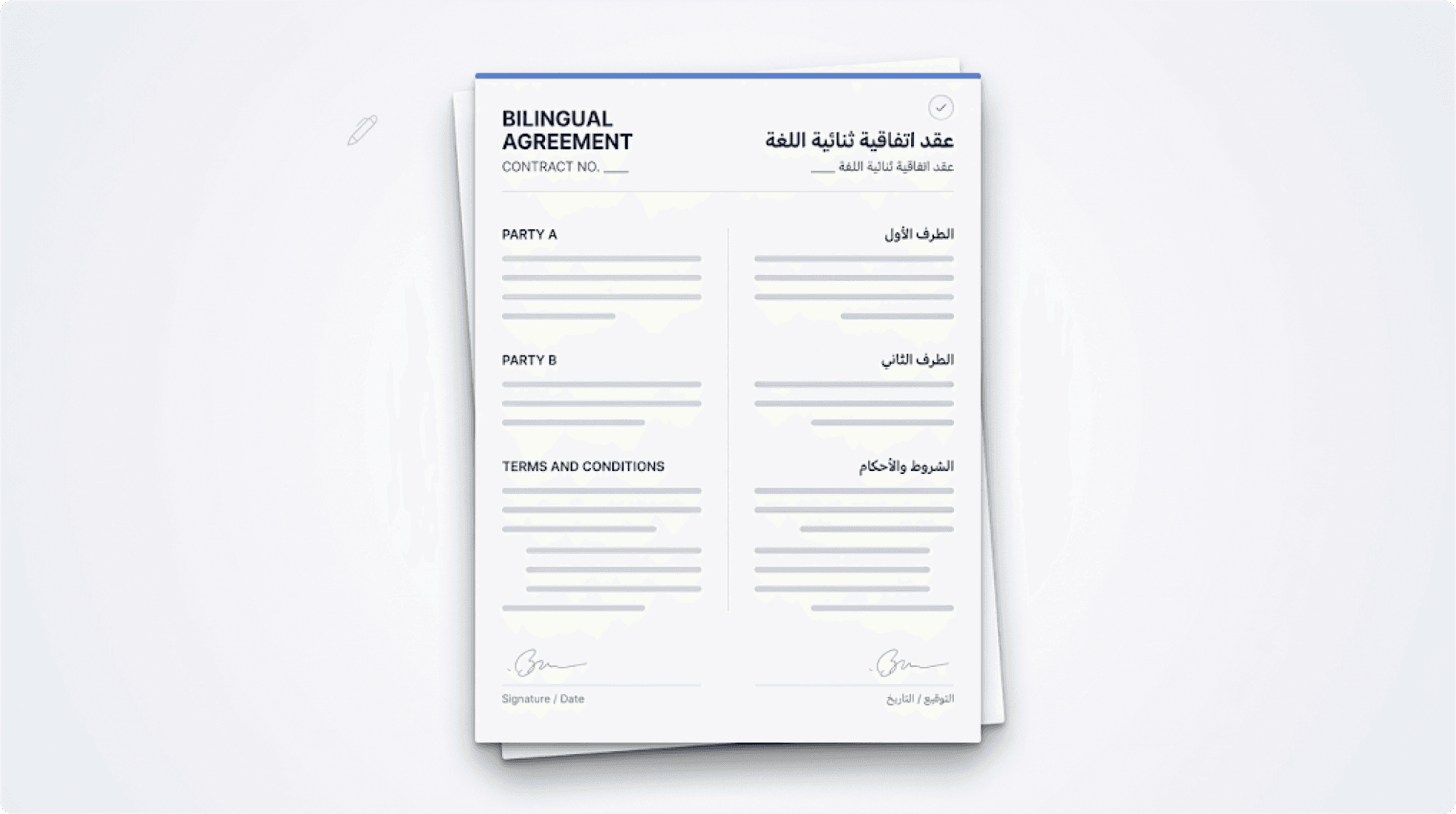
Legal documents have zero tolerance for formatting errors. A misnumbered clause isn't just ugly - it can create legal ambiguity. A table that misaligns in a pricing schedule can misrepresent commercial terms. A bilingual contract where the Arabic text doesn't render properly isn't just unprofessional - it may not be enforceable.
The formatting requirements that legal teams deal with daily: sequential clause numbering that doesn't break when conditional sections are added or removed; tables with dynamic rows that maintain alignment across hundreds of generated documents; headers and footers that update correctly per document; bilingual layouts with proper right-to-left text handling alongside left-to-right text; consistent styling across every generated document - not just the first one.
Most tools demo well with a simple template. Ask them to generate your most complex contract with conditional sections, nested tables, and bilingual text, and you'll see where the limits are.
"If your automation tool can't handle conditional clauses without breaking the formatting, it's not automation - it's a different kind of manual work."
What Legal Document Automation Should Actually Look Like
The right approach doesn't ask your legal team to change how they work. It doesn't require a new platform, a consultant, or a training programme. It works with the templates your team already uses.
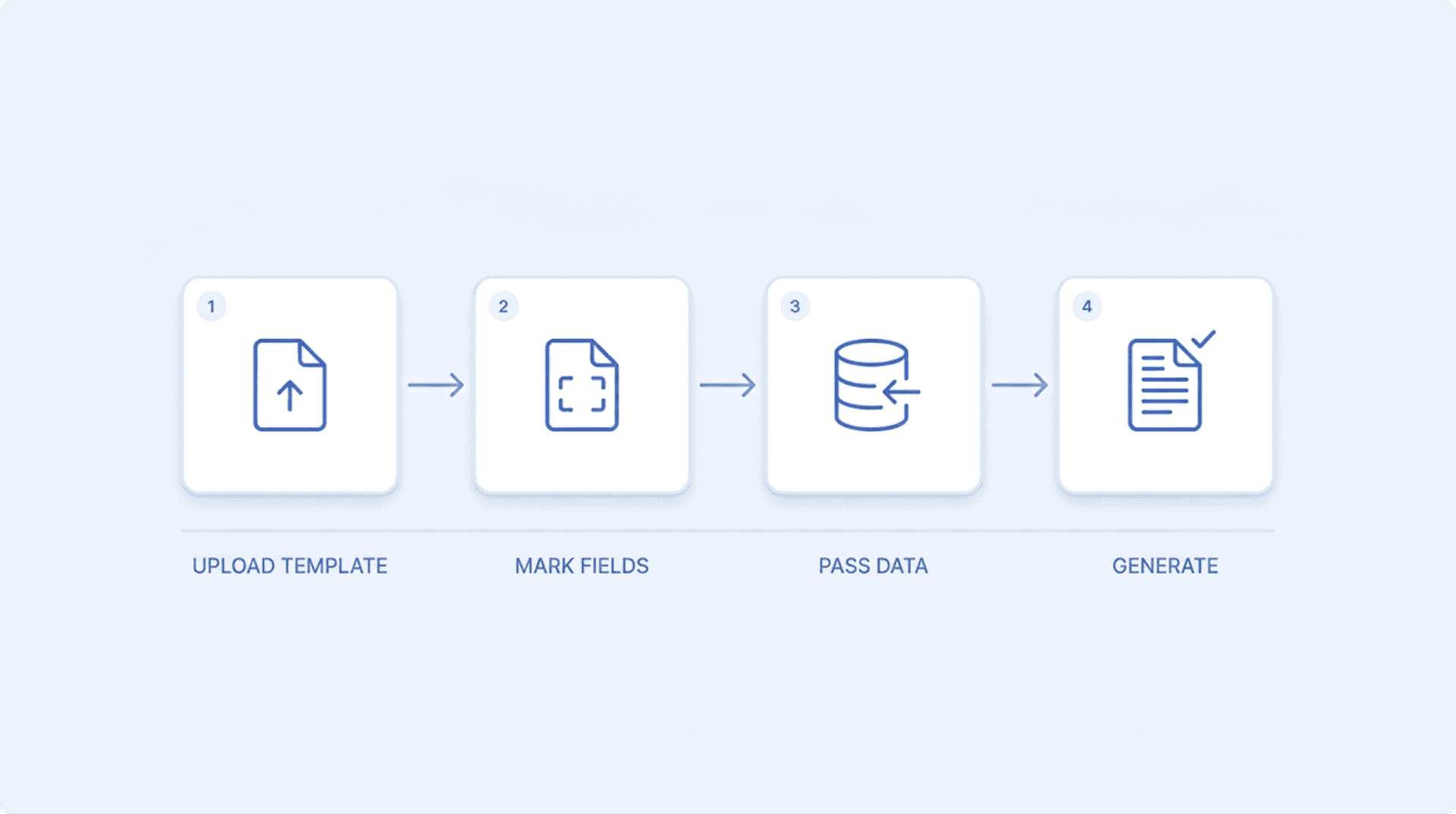
Step 1: Upload your existing template.
Take the NDA your legal team already uses - the actual Word document. Upload it as-is. You don't need to recreate it in a new format, learn a proprietary template language, or hire someone to convert it.
Step 2: Mark the variable fields and conditional sections.
Identify what changes between versions. Party names, dates, and jurisdiction are merge fields. Mutual vs. one-way clauses, governing law sections, and liability caps are conditional sections. Mark them in your template using simple tags.
Step 3: Fill a form or pass data via API.
Your legal team fills a web form: party name, contract type, jurisdiction, value. Or your CRM passes the same data via API. Either way, the inputs are captured once.
Step 4: Document generates - perfectly formatted.
The correct clauses are included. The incorrect ones are excluded. Numbering is sequential. Tables are aligned. Bilingual sections render properly. The document is ready for review and signature.
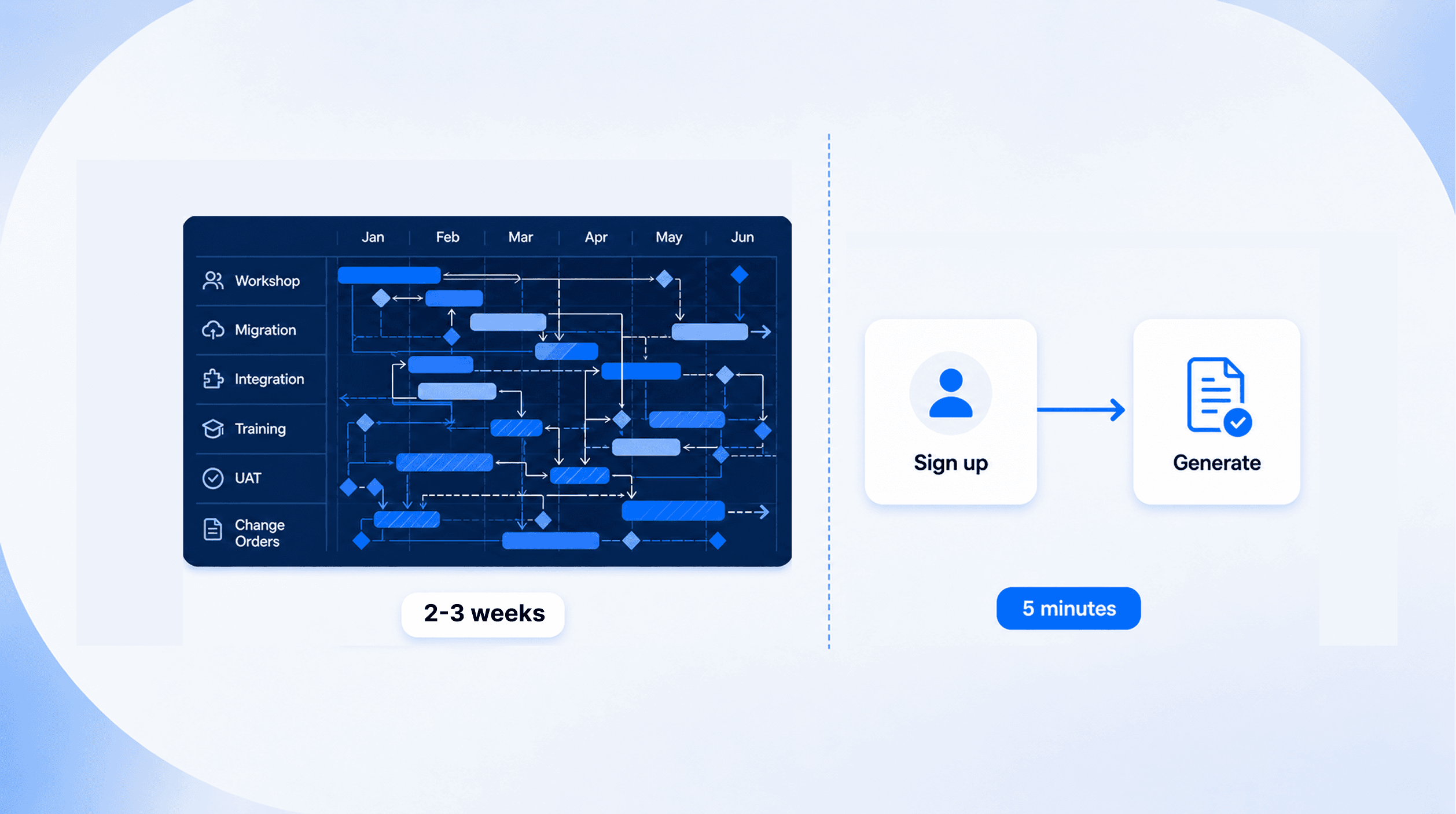
The entire process takes minutes. Not because the tool is simple - but because the complexity is handled by the engine, not by your team.
Beyond NDAs - What Else Legal Teams Automate
The NDA is the starting point, not the ceiling. Any document where the structure stays the same but the details change is a candidate for automation.
Employment agreements: Different terms for different roles. Different compensation structures for different seniority levels. Different clauses for different jurisdictions. One template, dozens of variations - generated instantly instead of assembled manually.
Master service agreements and statements of work: Dynamic scope sections that expand or contract based on the engagement. Pricing tables with variable line items. Payment terms that change per client. These are complex documents with real commercial implications - the formatting has to be right every time.
Board resolutions: Rigid template format, variable details, strict compliance requirements. The kind of document that takes 30 minutes to assemble manually and should take 30 seconds.
Compliance and regulatory filings: Documents that follow a mandated structure but need updated data each reporting cycle. The structure never changes. The data always does. This is exactly what automation is for.
Vendor and procurement contracts: Standard terms with variable commercial schedules, SLAs, and liability provisions. When your procurement team processes dozens of vendor agreements per quarter, manual assembly becomes a bottleneck.
The pattern is consistent across all of these: your legal team has already written the template. They've already defined the logic. What they haven't had is a tool that generates the final document reliably - with the right clauses, the right formatting, and the right language - every single time.