How GCC Businesses Automate Bilingual Contracts (Arabic + English)
The Bilingual Document Problem in the GCC
If you run a business in the GCC, bilingual documents aren't a nice-to-have. They're a regulatory, legal, and operational requirement.
Employment contracts in Saudi Arabia must include Arabic. Government-facing documents in the UAE require Arabic. Cross-border deals between Gulf-based and international parties need both languages so both sides can review terms in their primary language. Court submissions in most GCC jurisdictions require Arabic originals or certified bilingual versions.
This isn't new. Businesses in the GCC have been producing bilingual documents for decades. The problem isn't the requirement - it's the tools.
Every mainstream document generation tool on the market was built for English. Some added multilingual "support" later - a checkbox in the settings, a font dropdown, a text direction toggle. But Arabic isn't a setting you toggle on. It's a fundamentally different way of rendering a document.
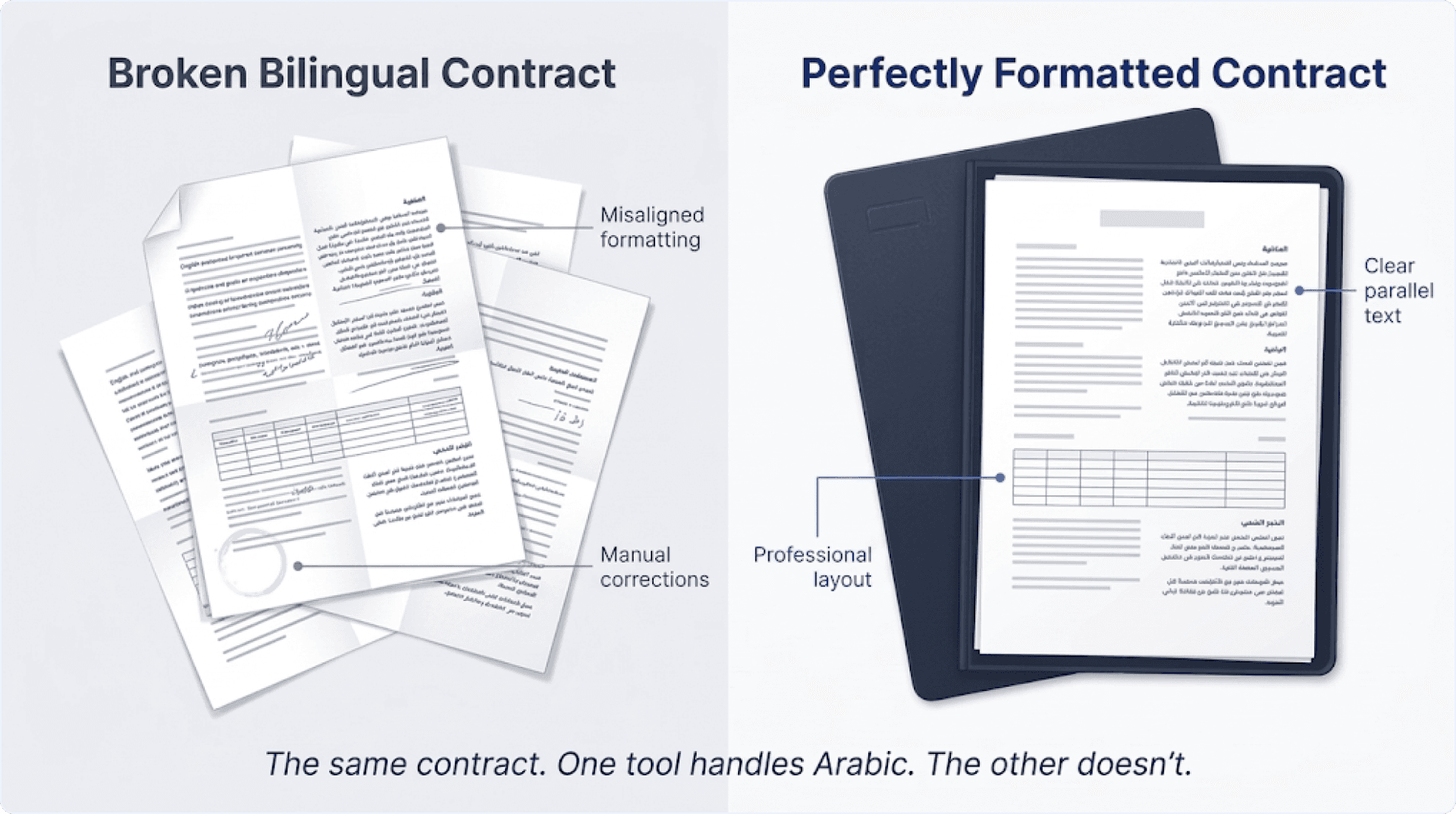
And when tools treat it as an afterthought, the results are predictable. Arabic text renders left-to-right instead of right-to-left. Table columns flip. Headers misalign. Numbered lists break. The English half of the contract looks professional. The Arabic half looks like it was assembled by someone who doesn't read Arabic - because the software doesn't.
For legal teams, this isn't a cosmetic issue. A bilingual contract where the Arabic version is misformatted can create ambiguity about which version governs. For HR teams, an offer letter with broken Arabic text signals to the candidate that the company doesn't take Arabic-language operations seriously. For government submissions, a poorly formatted Arabic document can delay approvals or trigger rejection.
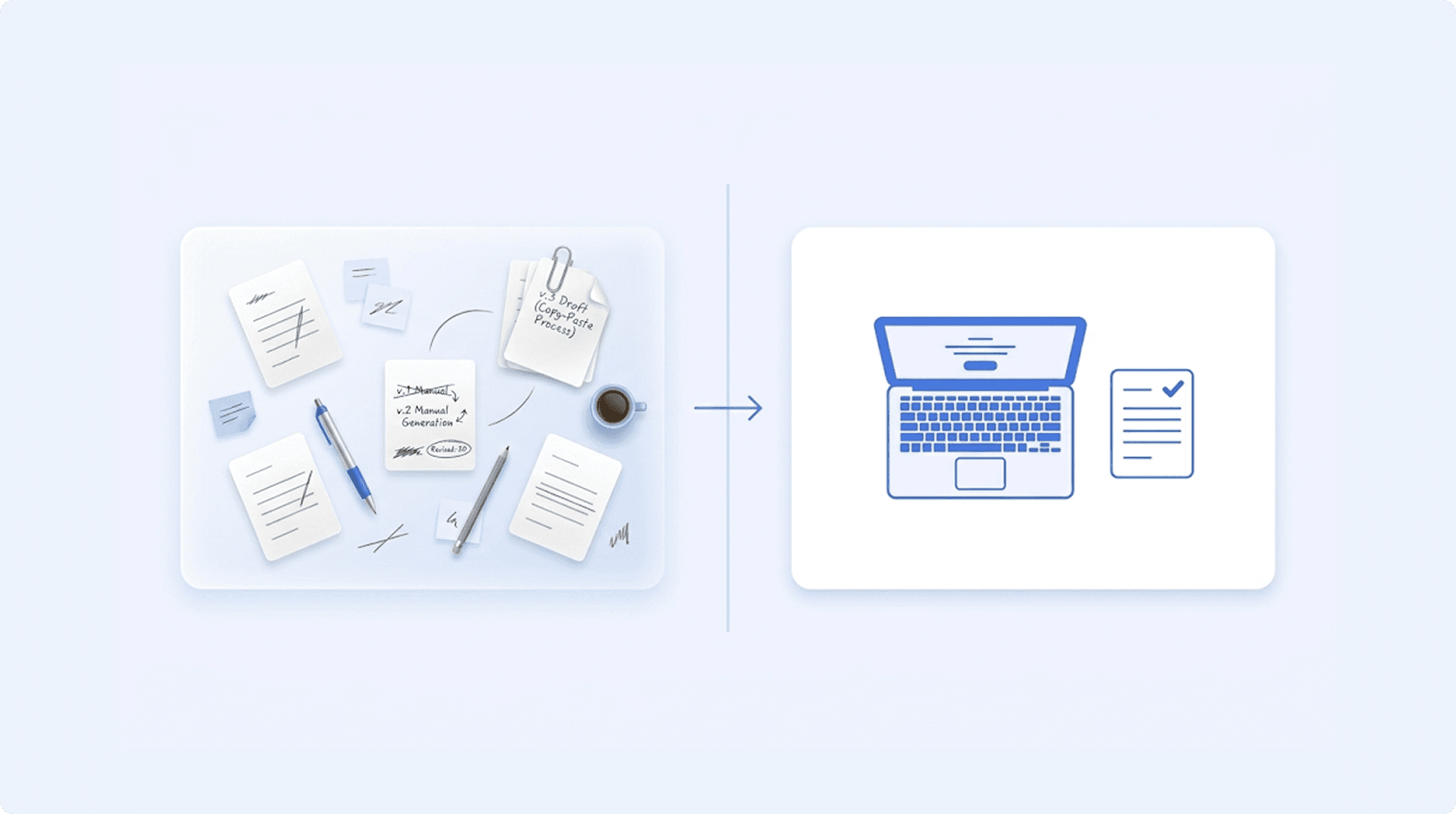
The workaround most teams use: generate the English version with a tool, then manually format the Arabic version in Word. Separately. Every time. Defeating the entire purpose of automation.
Why Most Document Tools Fail at Arabic
This isn't a missing feature. It's an architecture problem. Most document generation tools were designed with Latin-script languages as the foundation, and Arabic support was added on top - like painting Arabic text onto a structure that was built for English. Understanding why it breaks helps you evaluate whether a tool can actually handle your documents or is just claiming it can.
RTL Is Not Just "Flip the Text"
Right-to-left rendering sounds simple: text reads from right to left instead of left to right. But RTL affects the entire document structure, not just the text.
Margins need to mirror. The wider margin moves to the right side. Headers and footers need to align to the opposite edge. Table columns need to flow right-to-left - the first column should be on the right, not the left. Numbered lists need to align their numbers to the right margin. Page numbers may need to appear on the opposite side.
Most tools apply RTL as a text-level property. They flip the direction of the characters inside a paragraph but leave everything else - margins, tables, headers, numbering - in their left-to-right positions. The result: the words read right-to-left, but the document layout is still English. It's disorienting to read and immediately recognisable as a formatting failure to anyone who works in Arabic daily.
Mixed Directionality Is Harder
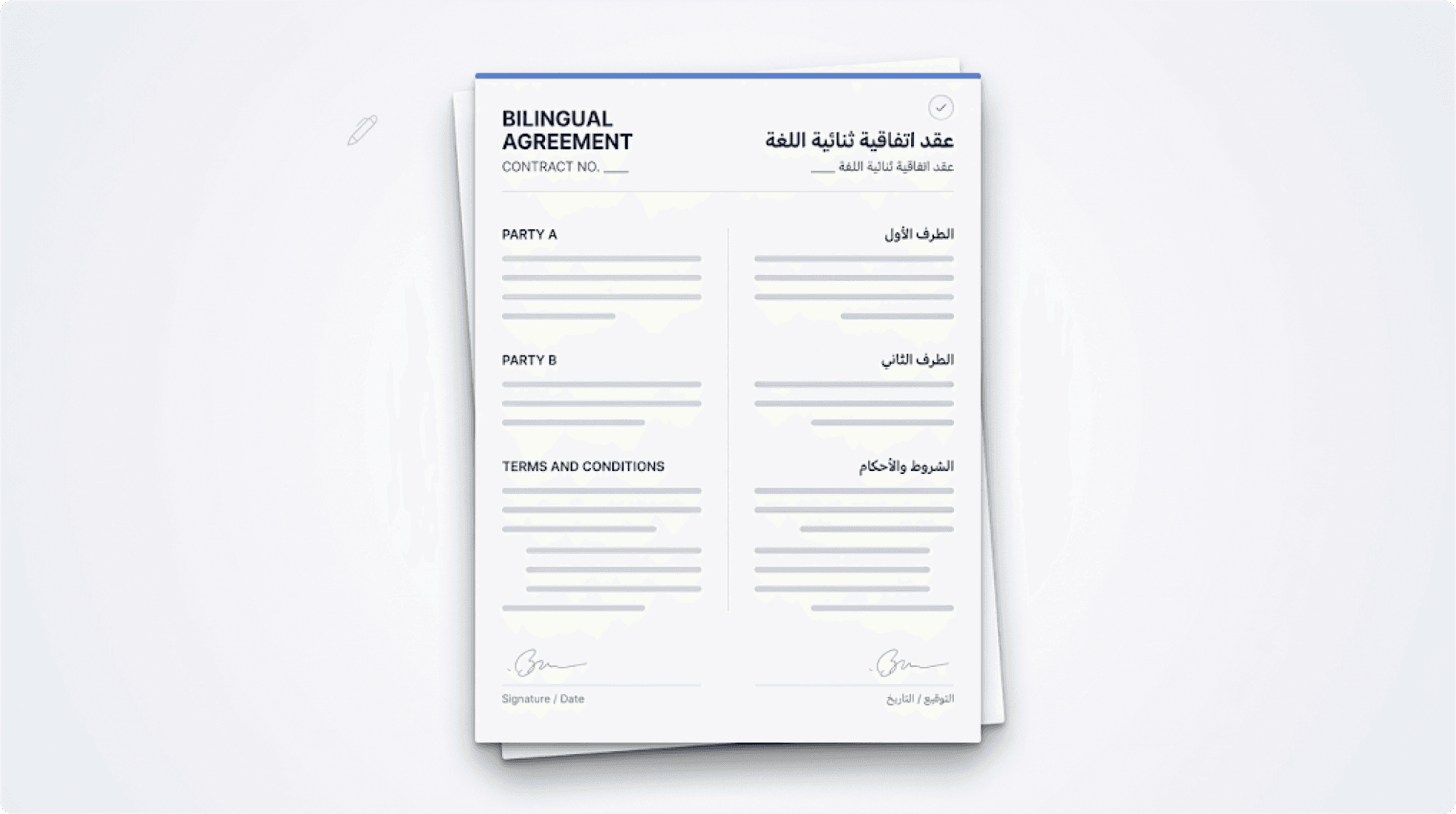
A bilingual contract isn't an Arabic document. It's not an English document. It's both in the same file.
Some paragraphs are English (left-to-right). Some are Arabic (right-to-left). Some contain both - a clause number in Western numerals followed by Arabic text, or a company name in English embedded within an Arabic sentence.
Tables often have Arabic in one column and English in another. The Arabic column needs RTL alignment. The English column needs LTR alignment. Both columns need to sit correctly within the same table structure.
Clause numbering needs to work across both languages. If Section 3 is removed because a conditional section doesn't apply, Section 4 becomes Section 3 - in both the English and Arabic versions, with numbering that reads correctly in both directions.
This mixed directionality is where almost every tool breaks. They can handle a fully Arabic document passably. They can handle a fully English document perfectly. The moment both exist in the same template, the rendering engine doesn't know which rules to apply - and defaults to English.
The Font and Encoding Problem
Arabic script isn't just a different alphabet. Letters in Arabic connect to each other, and the shape of each letter changes depending on its position in the word - initial, medial, final, or isolated. This is called contextual shaping.
Not every font handles contextual shaping correctly. A tool that defaults to a Latin-optimised font will render Arabic text with disconnected letters - characters that should flow together appear fragmented and illegible. Diacritics (the marks above and below letters that indicate vowels) may float in the wrong position or overlap with adjacent text.
The encoding matters too. Arabic text that passes through a system that doesn't properly handle Unicode can corrupt characters, replace them with question marks, or lose them entirely. This is especially common when data passes through an API - the JSON payload must be UTF-8 encoded end-to-end, and the document engine must preserve that encoding through to the final output.
These aren't edge cases. They're the baseline requirements for generating any Arabic document. A tool that can't handle them isn't just limited - it's unusable for GCC businesses.
"Most document generation tools were built for English and extended to Arabic. The ones that work were built for both from the start."
What Bilingual Document Generation Should Look Like
The right approach doesn't require your team to work around the tool's limitations. It doesn't require separate templates for Arabic and English. It doesn't require manual formatting after generation. It works with the bilingual templates your team has already built - and preserves them perfectly.
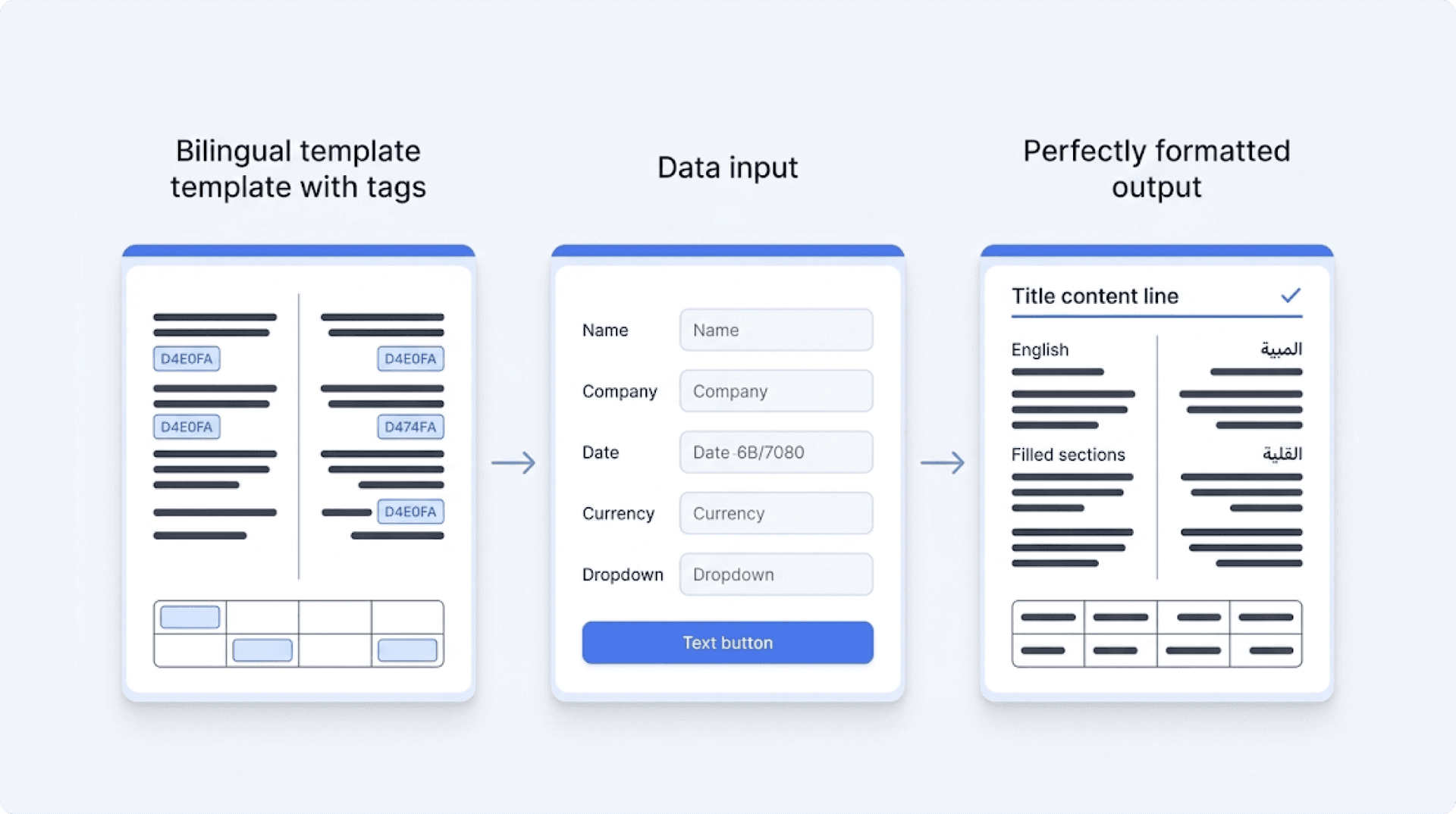
Step 1: Upload your bilingual template.
Your team has already designed the layout - Arabic sections on the right, English on the left, or Arabic above and English below, or whatever structure your documents follow. Upload that template as-is. The tool should respect your layout, not impose its own.
Step 2: Mark variable fields in both languages.
Party names, dates, amounts, jurisdiction - these fields appear in both the Arabic and English sections. Mark them once. When data is entered, it populates in both places. Arabic fields render in Arabic script with proper RTL. English fields render in English with proper LTR. No duplication. No manual entry in two places.
Step 3: Conditional sections work across both languages.
If a clause is excluded based on the inputs - because it doesn't apply to this contract type or this jurisdiction - it's excluded in both the Arabic and English versions. The numbering adjusts in both languages. The page layout reflows correctly. No orphaned sections. No numbering gaps.
Step 4: Generate.
Arabic renders right-to-left. English renders left-to-right. Tables align correctly with mixed-direction columns. Fonts are appropriate for each language. Character shaping is correct. Diacritics are positioned properly. The output looks exactly like your template - because the engine preserved the structure your team designed.
The key principle: your template is the source of truth. Your legal team, your HR team, your operations team - they've already spent time getting the bilingual layout right. The document engine's only job is to generate the final output without breaking what they built.
Industries in the GCC That Need This Most
Bilingual document generation isn't a niche requirement in the GCC. It's the default operating reality for most industries.
Legal firms: Client-facing contracts, NDAs, and engagement letters must be bilingual for clients who operate in Arabic. Litigation documents submitted to courts in Saudi Arabia, the UAE, Kuwait, and Qatar require Arabic. For firms handling dozens of matters simultaneously, manual bilingual formatting is a significant and recurring cost.
Real estate: Developers and property managers in the GCC generate thousands of documents - sale and purchase agreements, lease contracts, handover documents, title deed applications. A developer managing 20,000 units isn't formatting each lease agreement by hand. But if their document tool can't handle Arabic, someone on their team is.
Government contractors: Any business contracting with a GCC government entity produces bilingual documentation by default. Procurement bids, compliance submissions, progress reports, and contractual correspondence - all require Arabic. Tender submissions with formatting errors can be disqualified before the content is even reviewed.
HR departments: Employment contracts, offer letters, policy acknowledgments, and termination documents for workforces that operate in Arabic and English. In Saudi Arabia, the Arabic version of an employment contract is the legally binding version. An HR team generating hundreds of contracts per year cannot afford to manually format each one.
Financial services: Banking agreements, insurance policies, loan documents, and investment disclosures where both the Arabic and English versions must be legally identical. A discrepancy between the two versions - even a formatting inconsistency that implies different clause structures - can create regulatory and legal exposure.
The common thread across all of these: bilingual documents aren't an edge case. They're the operational baseline. Every business in the GCC deals with this. The question isn't whether you need bilingual document generation - it's whether your current tool can actually do it.