What Document Generation Actually Looks Like in 2026
The Way Most Teams Still Generate Documents
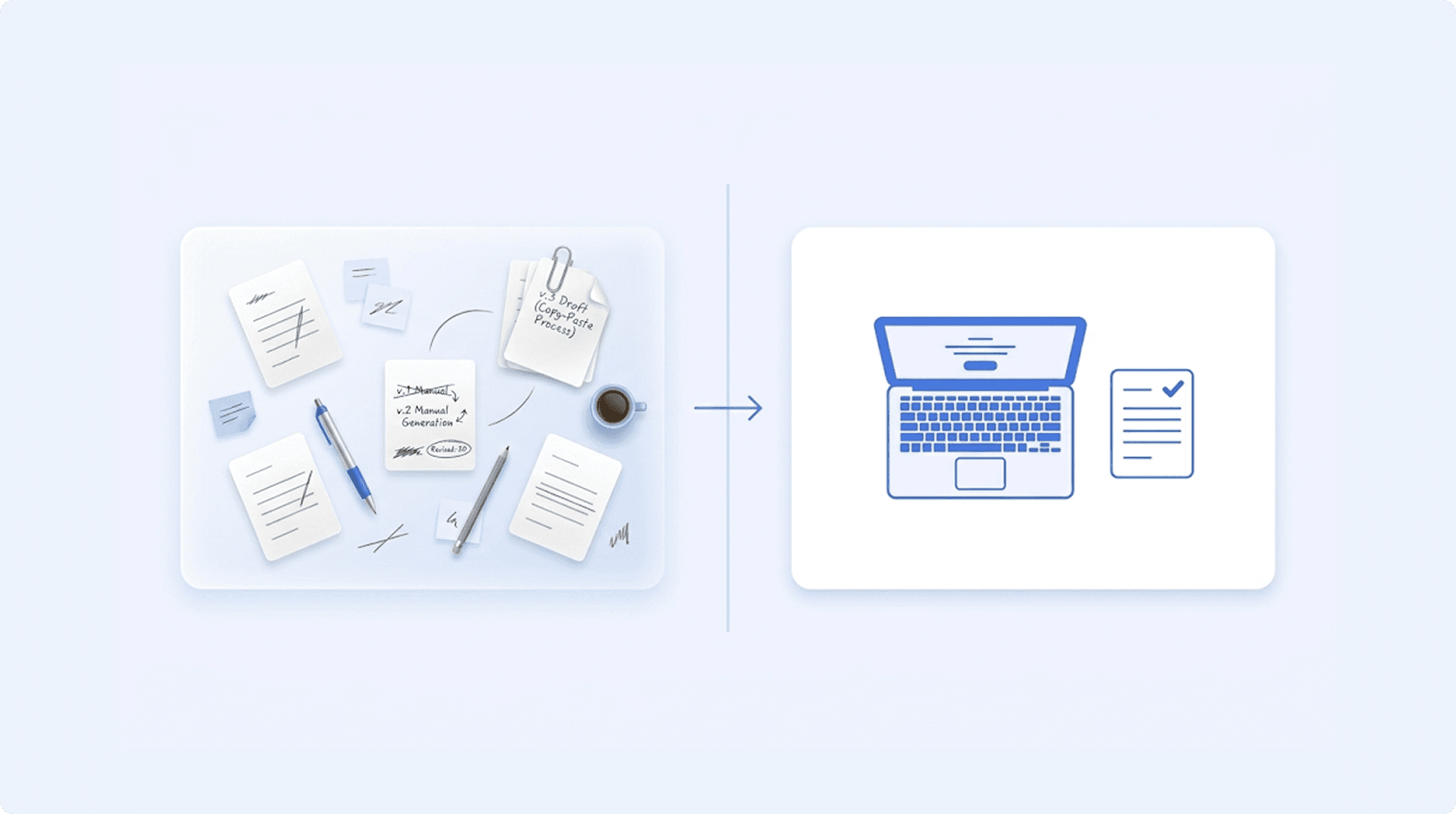
It's 2026. Your company uses cloud infrastructure, AI-assisted analytics, and automated deployment pipelines. And when someone needs a contract generated, they open a Word template from a shared drive and start copy-pasting.
This is the uncomfortable truth about document generation: almost nothing has changed for most teams. The process looks the same as it did a decade ago.
Here's how it typically works:
Step 1: Open the Word template from a shared folder. Hope it's the latest version. It probably isn't - someone updated it last month and saved it with a slightly different filename.
Step 2: Find-replace the party names, dates, and company details. Manually. Field by field.
Step 3: Check which sections apply to this specific document. Is this a mutual NDA or one-way? Does this employment contract need the non-compete clause? Is the governing law UAE or UK? Manually delete the sections that don't apply.
Step 4: Fix the formatting. Deleting sections broke the clause numbering. The header on page 3 still shows the previous client's name. The table on page 5 shifted when you removed a row. Spend 15 minutes getting everything to look right again.
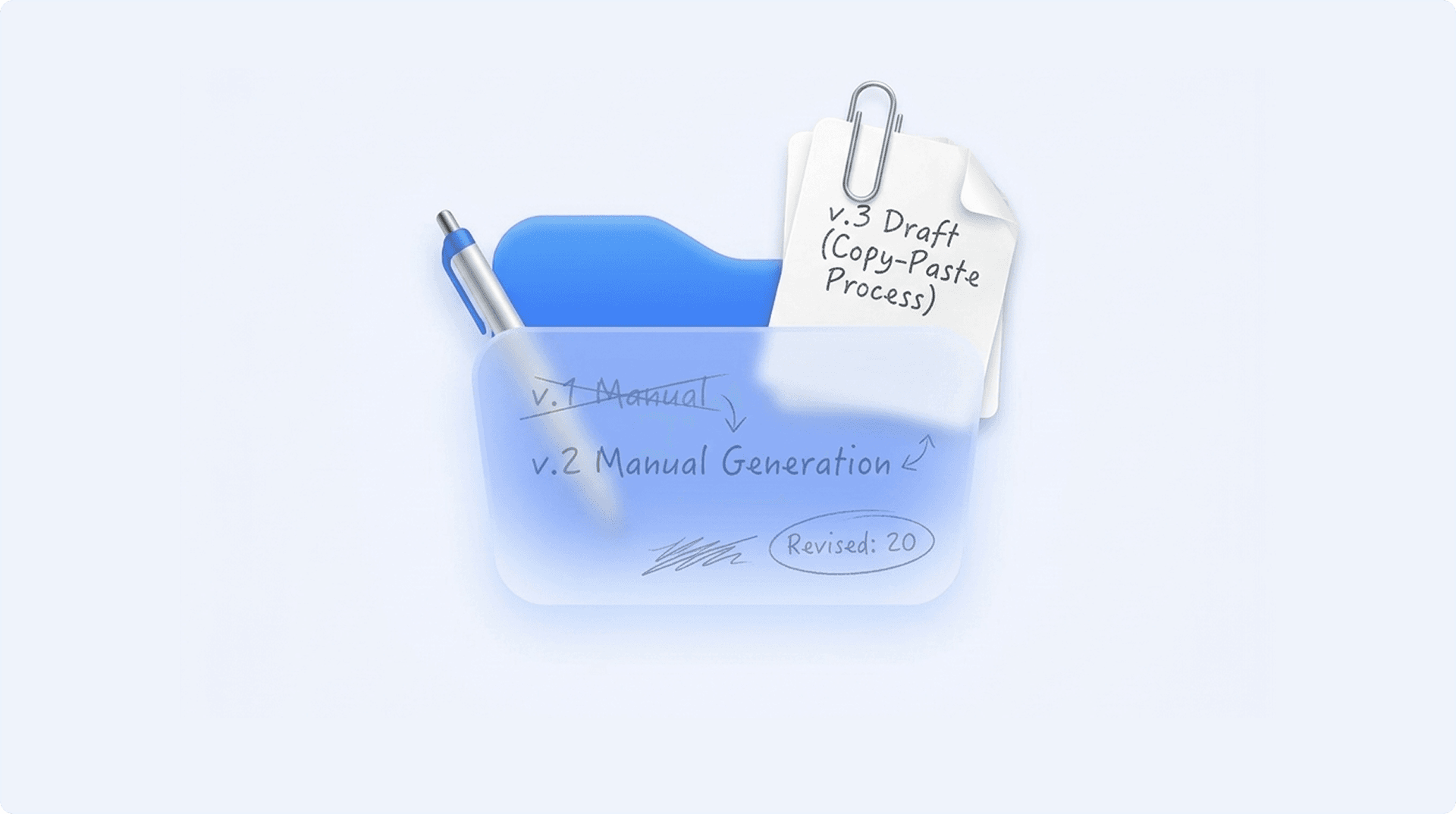
Step 5: Save as a new file. Pick a name - "NDA_ClientName_v3_FINAL_actualfinal.docx" - and save it somewhere the team can find it. They won't.
Step 6: Email it for review. Wait for feedback. Make edits. Fix the formatting again. Send another version.
Step 7: Repeat for the next document.
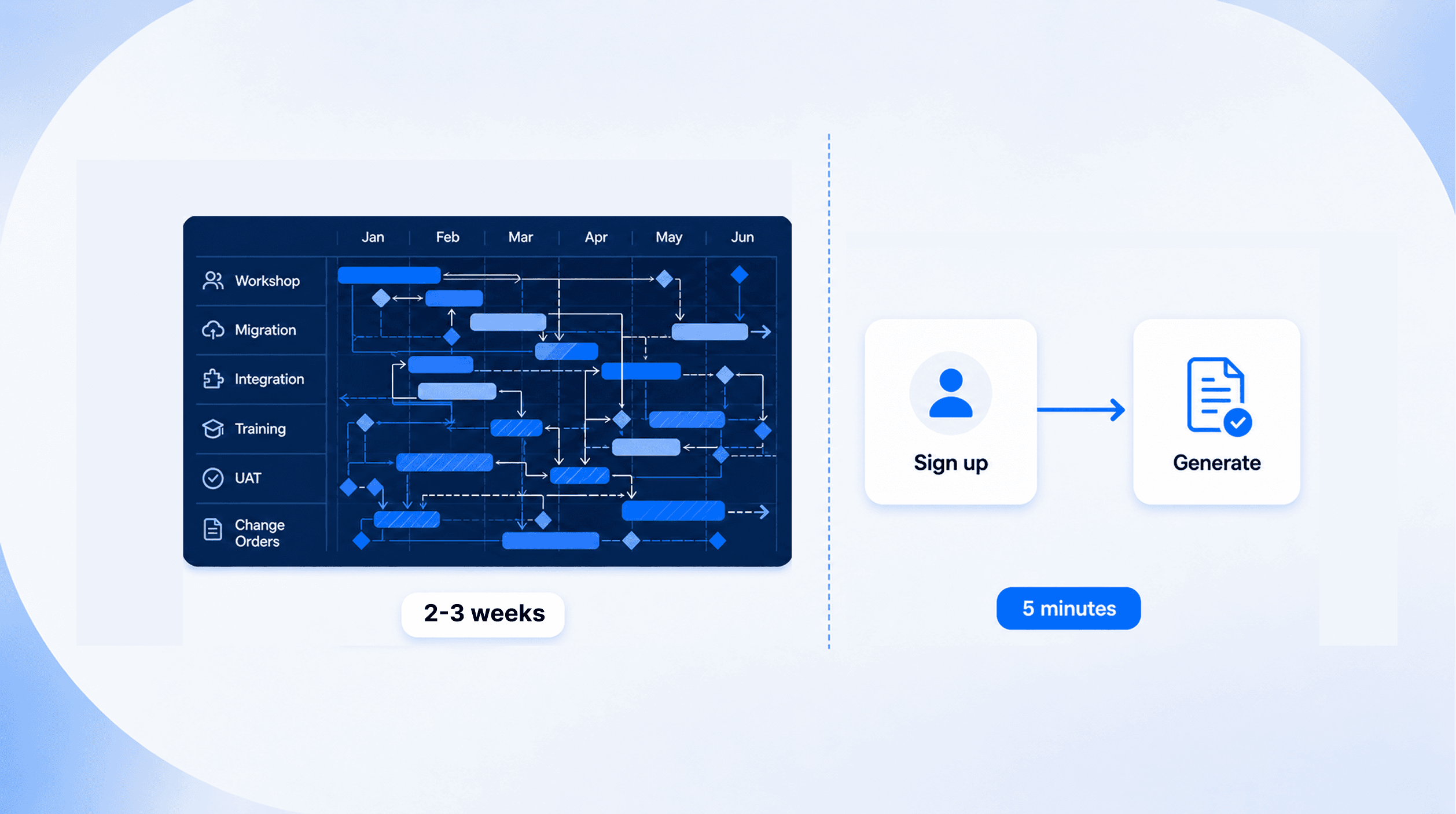
This process takes 30 to 60 minutes per document. For a team generating 50 or more documents a month, that's an entire person's week - every month - spent on document assembly. Not drafting. Not decision-making. Assembly.
And the errors are invisible until they're not. A wrong clause in a contract. A misnumbered section that creates legal ambiguity. An outdated template that shouldn't have been used. These aren't hypothetical risks - they're the daily reality of manual document generation.
What Changed (And What Didn't)
The tools to fix this have existed for years. So why are most teams still stuck in the manual loop?
Because the "solutions" created a different problem.
The document generation tools that gained market visibility over the past decade weren't document generation tools. They were enterprise platforms - contract lifecycle management suites, workflow automation engines, document management ecosystems. They bundled document generation inside a much larger system and sold the whole package.
For a team that just needs to generate documents correctly, adopting one of these platforms means: a 3-to-6-month implementation project before generating a single document; consultant-led configuration because the system is too complex for self-service; training programmes for every team member; annual costs that include features the team will never touch.
So most teams did the rational thing: they looked at the implementation timeline, looked at the cost, and went back to their Word templates. The manual process is painful, but it's a known pain. The "solution" introduced unknown pain - and a lot more of it.
This created a gap in the market that persisted for years. On one side: Word templates and manual assembly. On the other side: enterprise platforms with 6-month onboarding. Nothing in between.
What actually changed - and what's different about 2026 - is the emergence of a new category. Focused document generation engines. API-first. Template-native. No implementation project required. They don't try to manage your entire document lifecycle. They do one thing: take your template, take your data, and produce a perfectly formatted document. In minutes, not months.
"The problem was never that automation didn't exist. It's that the automation required more effort than the manual work it replaced."
The Modern Workflow - Step by Step
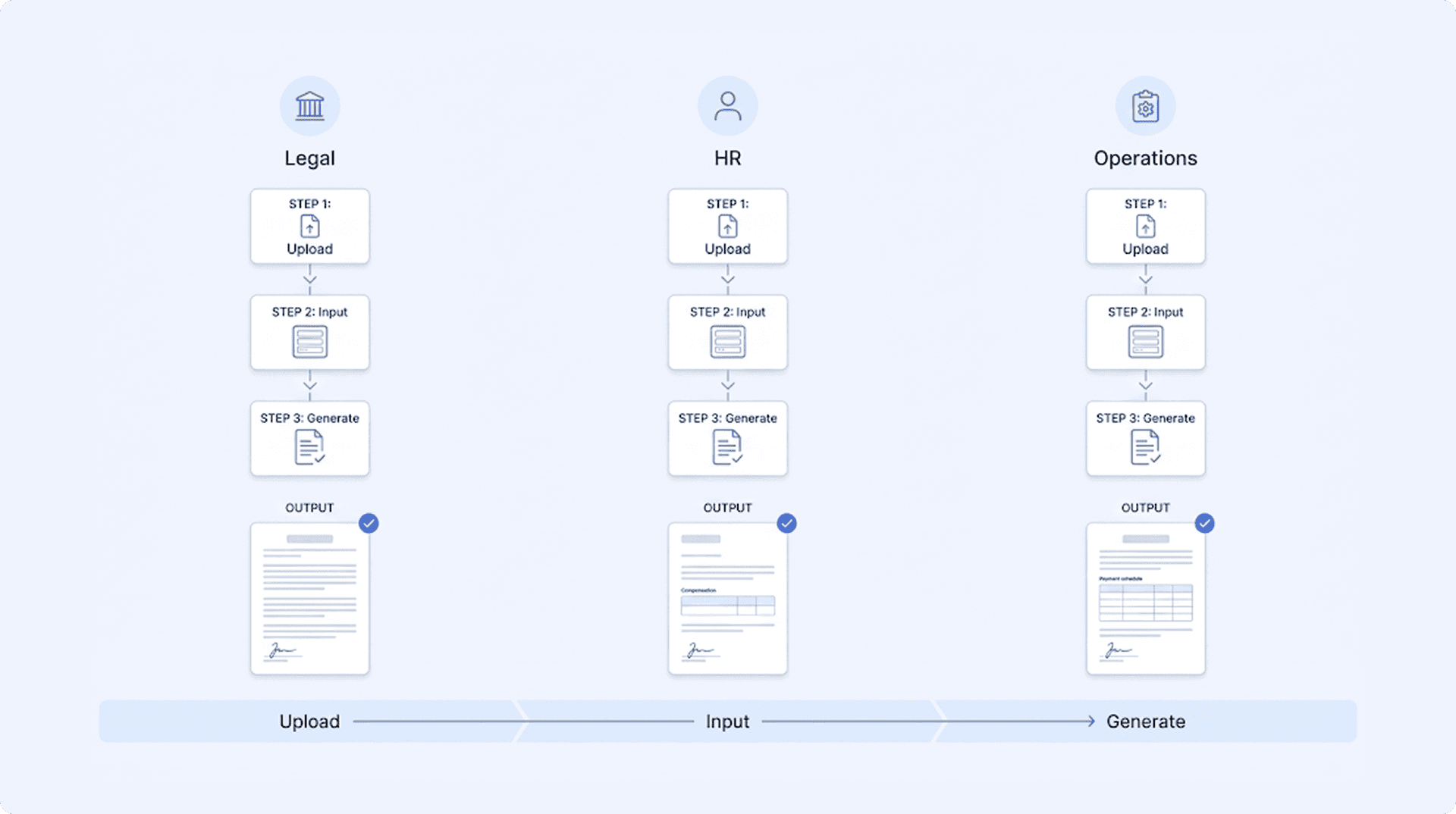
The best way to understand what's changed is to see the modern workflow in action. Here's what document generation looks like in 2026 - across three different teams, three different document types, the same simple process.
For Legal - Generating an NDA
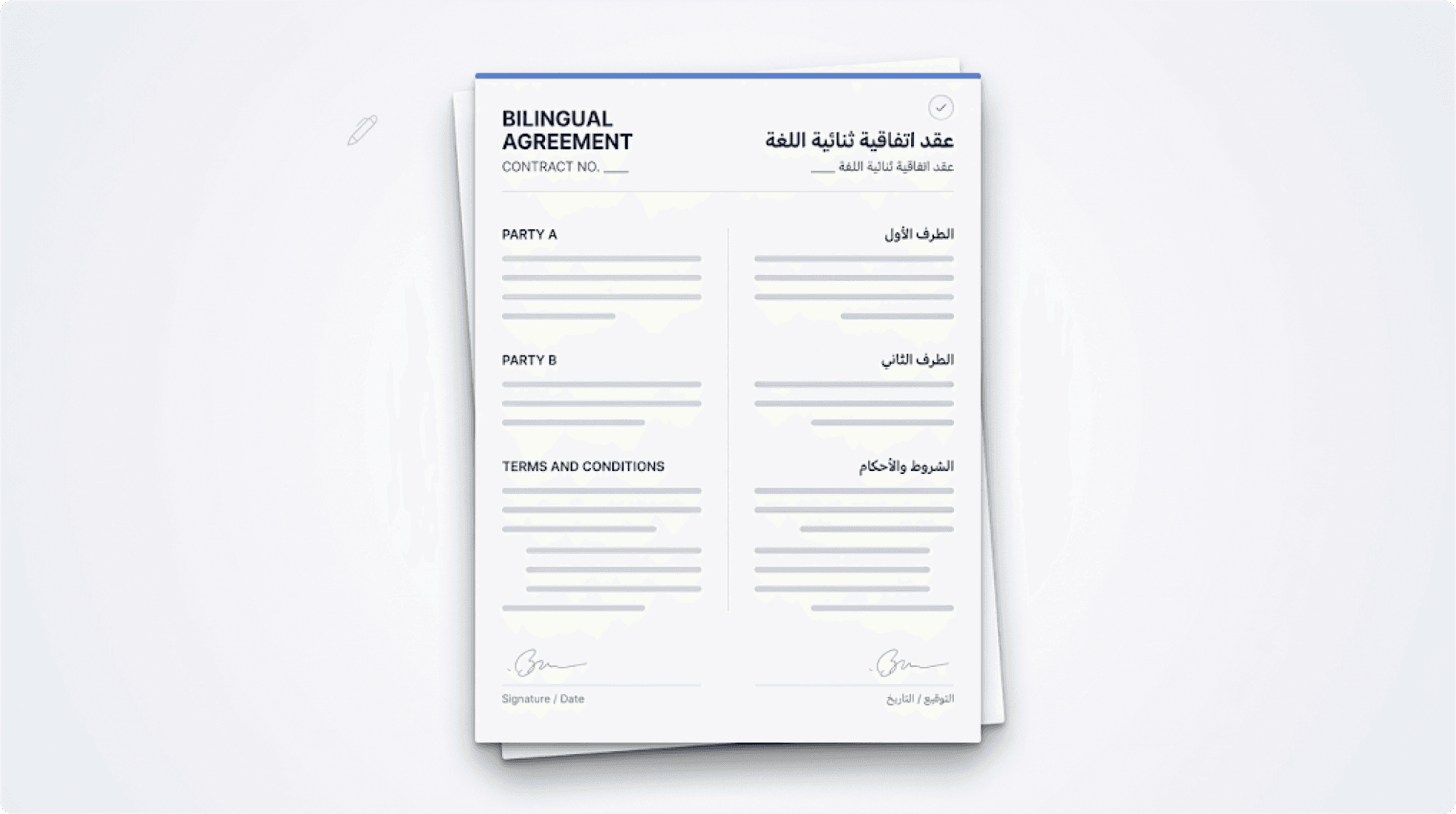
Your legal team has an NDA template they've refined over years. It handles mutual and one-way variations, multiple jurisdictions, and includes an Arabic arbitration clause for GCC counterparties.
The old way: Open template. Manually select the right clauses. Delete the wrong ones. Fix the numbering that broke. Check the Arabic section renders correctly. It doesn't. Fix it. Save. Email. 45 minutes.
The modern way: Upload the NDA template once. Mark the conditional sections - mutual vs. one-way, jurisdiction, Arabic clause. When a new NDA is needed, fill a form: party name, contract type, jurisdiction. Hit generate. The document appears with the correct clauses included, incorrect ones excluded, numbering sequential, Arabic sections properly formatted. Time: Under 2 minutes.
For HR - Generating an Offer Letter
Your HR team sends offer letters with different compensation packages, benefit structures, and jurisdiction-specific employment terms depending on the role and location.
The old way: Find the right template version. Fill in the candidate's details. Check which benefits section applies. Check the probation clause for this jurisdiction. Fix the salary table formatting. Save. Route for approval. 30 minutes.
The modern way: Upload the offer letter template once. Map the variable fields - name, role, salary, benefits tier, jurisdiction. When a new hire is confirmed, fill a form or trigger generation from your HR system. The offer letter generates with the correct compensation, benefits, and legal clauses for that specific role and location. Time: Under 1 minute.
For Operations - Generating a Vendor Agreement
Your procurement team processes vendor agreements with variable commercial schedules, SLA commitments, and liability provisions that change based on contract value.
The old way: Open the vendor agreement template. Fill in the vendor details and commercial terms. Manually add or remove SLA tiers based on the engagement size. Update the liability cap. Check that the payment schedule table didn't break. It did. Fix it. 40 minutes.
The modern way: Upload the vendor agreement template once. Mark the conditional sections - SLA tiers based on contract size, liability sections based on value thresholds, payment schedule with dynamic rows. Fill a form with the vendor details and commercial terms. The agreement generates with the right SLAs, the right liability provisions, and a perfectly formatted payment table. Time: Under 2 minutes.
The pattern across all three is the same: upload once, generate forever. The template is the source of truth. The engine handles the logic. The team handles the decisions - which is what they should have been spending their time on all along.
What to Expect When You Make the Switch
The transition from manual assembly to automated generation isn't a 6-month project. It's not even a 6-week project. Here's what it actually looks like:
Day 1: Upload your first template - the document your team generates most often. Map the variable fields and conditional sections. Generate your first document. No training needed. No consultant. No configuration project. Tools like Jasdoc are designed for exactly this - upload a template, map your fields, generate your first document on day one.
Week 1: Your three to five most common templates are uploaded and mapped. Your team starts using the tool for routine document generation. The first time someone generates a contract in 90 seconds instead of 45 minutes, the value becomes obvious.
Month 1: Manual document assembly drops significantly. Your team redirects the hours they used to spend on formatting and copy-pasting toward review, negotiation, and decision-making - the work that actually requires human judgment.
What doesn't change: Your templates. Your processes. Your existing tools. The document engine connects to whatever systems you already use - via API or web forms. It doesn't replace your CRM, your HR tool, or your legal review process. It plugs into them.
What does change: The time between "we need this document" and "here it is" goes from hours to seconds. The formatting errors disappear. The version confusion disappears. The dependency on the one person who knows which template to use - that disappears too.
The documents your team generates are only as good as the templates behind them. The templates are already good - your teams have spent years refining them. What they haven't had is a tool that generates the final output reliably, every single time, without breaking what they've built.